Presets
PRESET steps through WARM, HOT and BOIL, and back to WARM. The kettle starts on WARM. The child lock ignores it, like every other button.
WARM to HOT
If the preset is WARM and the child lock is off, tap PRESET. The PRESET line reads HOT.
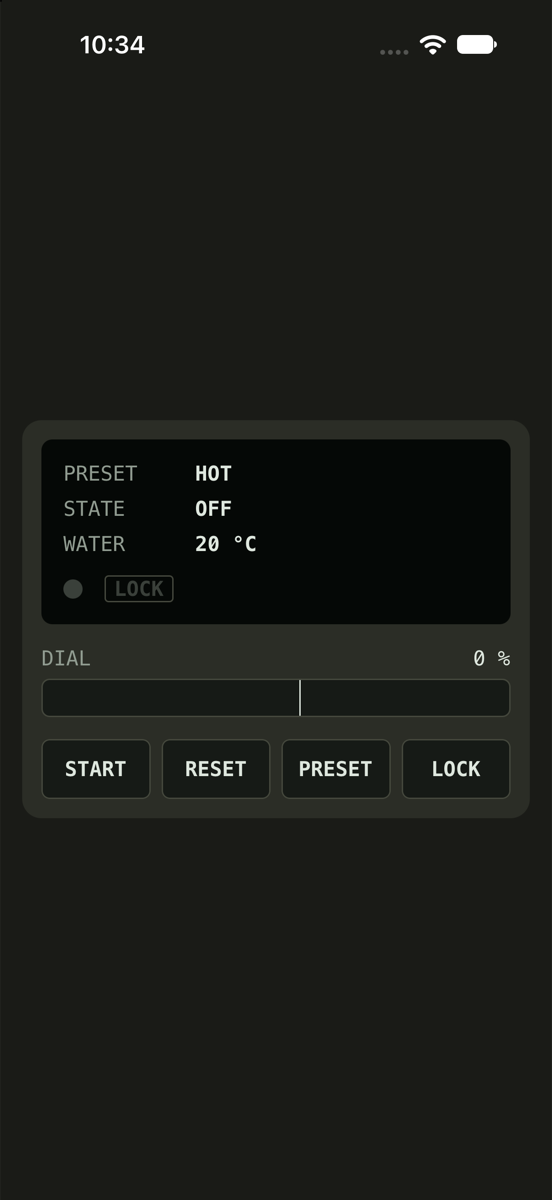
See it in Choosing a preset.
How this is tested verified
Given the preset is WARM
  And the child lock is off
When the user presses preset
Then the preset is HOT
HOT to BOIL
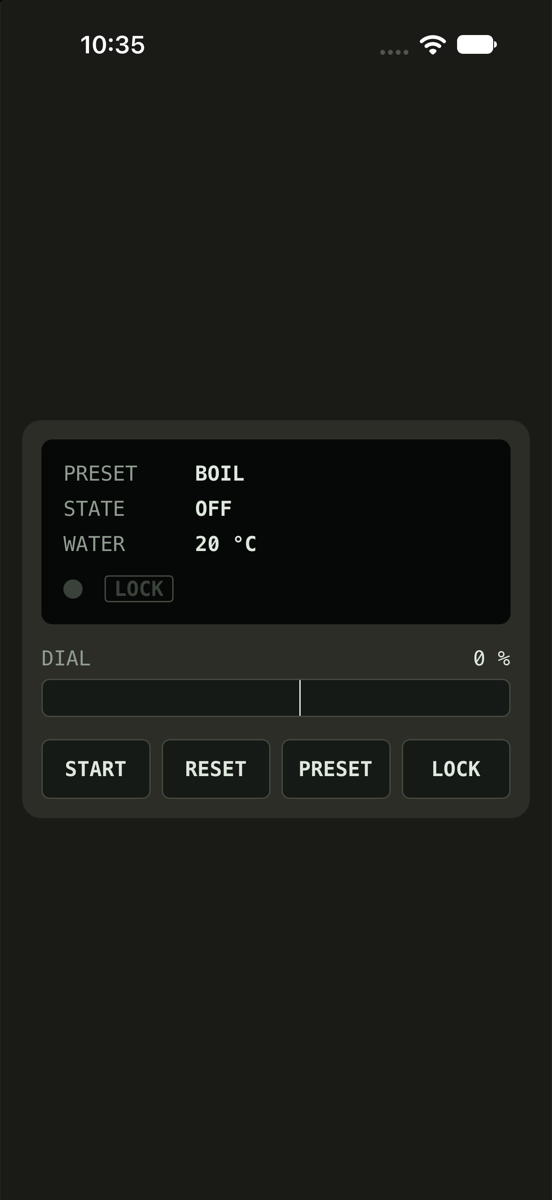
If the preset is HOT and the child lock is off, tap PRESET. The PRESET line reads BOIL.
How this is tested verified
Given the preset is HOT
  And the child lock is off
When the user presses preset
Then the preset is BOIL
BOIL back to WARM
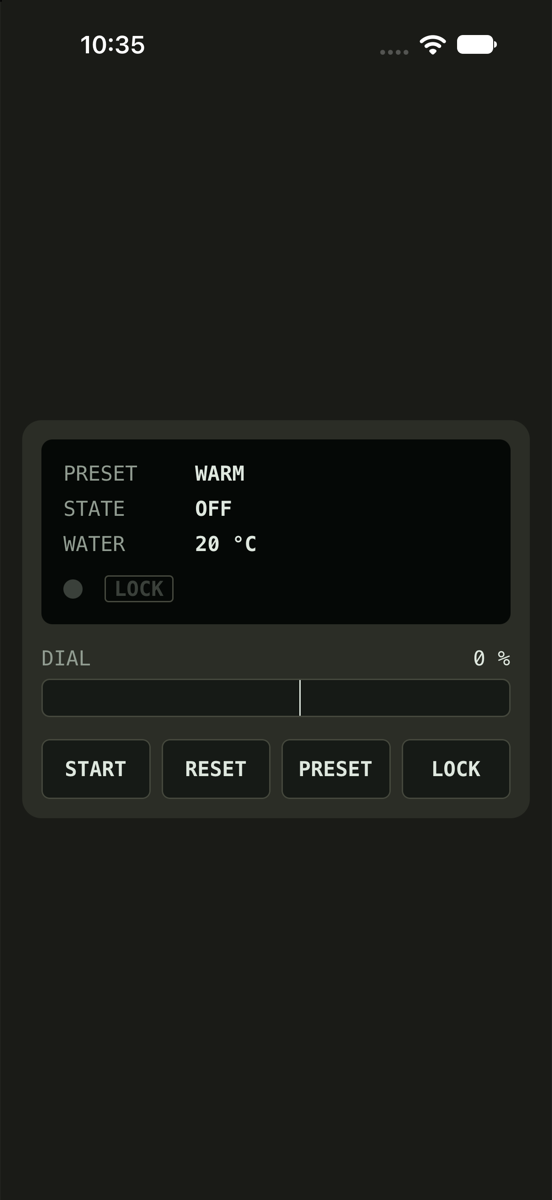
If the preset is BOIL and the child lock is off, tap PRESET. The PRESET line reads WARM.
How this is tested verified
Given the preset is BOIL
  And the child lock is off
When the user presses preset
Then the preset is WARM